Staging-first updates
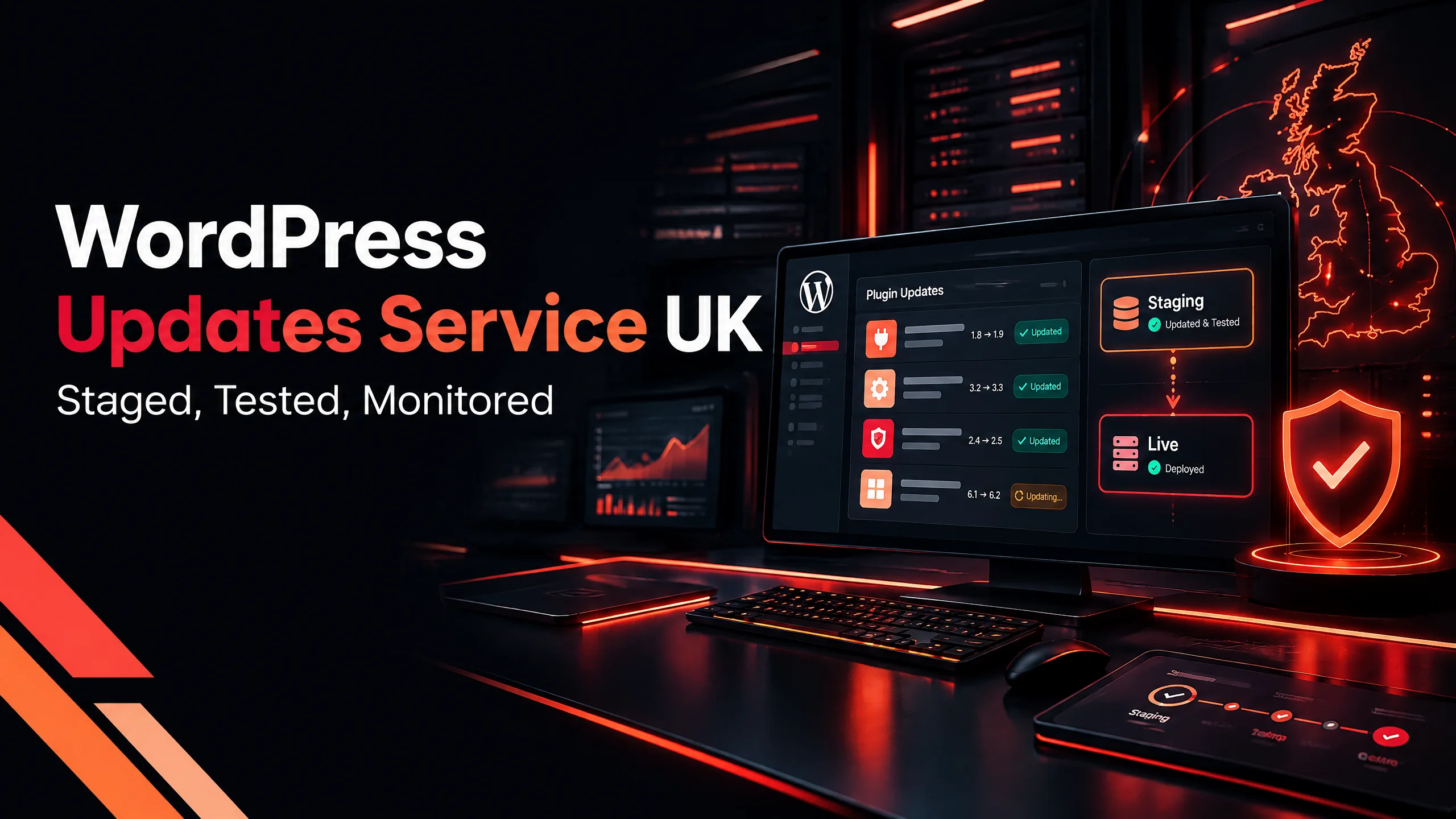
WordPress core, themes, and plugins are reviewed and tested on a staging copy before the live site is touched.
SWAP DESIGN / WORDPRESS UPDATES UK
I test WordPress core, plugin, and theme updates on staging first, then check the live site so a routine update does not quietly break your forms, pages, or checkout.
UK-FIRST / MAINTENANCE
A WordPress updates service keeps core files, plugins, and themes current without treating the live website as a test environment. I take a backup, apply updates to a staging copy, check the important visitor paths, and release the changes only when the site is behaving properly. Monthly plans are available for UK small businesses that want ongoing support rather than another update to postpone.
This service is for UK small businesses whose website brings in enquiries, bookings, or sales. It suits owners who want practical WordPress website updates UK, a clear support boundary, and one person who notices when a form, plugin, or page stops doing its job.
The update is not the whole job. The useful part is knowing the site still works when the update is finished.
WHAT YOU GET
Use the scope to understand the work, the decisions, and the next step before anything becomes unnecessarily complicated.
WordPress core, themes, and plugins are reviewed and tested on a staging copy before the live site is touched.
I check the homepage, contact page, important service pages, mobile layout, forms, and checkout where the site has one.
Backups are stored away from the live host where possible, and the recovery route is kept visible instead of assumed.
Known vulnerabilities, visible errors, malware concerns, and downtime are investigated within the agreed WordPress care plan UK scope.
Why the checks matter
A website can look fine while an important path has stopped working. A form may fail, a gallery may disappear on mobile, or an update may create a checkout error that only appears in one browser. The cost is not only the fix. It is the enquiries you never know you missed.
How staged WordPress updates work
Staged WordPress updates UK means more than clicking an update button. I work on a staging copy first, review the update set, test the pages that matter to your business, and then release the change. If a plugin is old, unsupported, or no longer worth keeping, we say so instead of repeatedly updating dead code and hoping.
What a monthly plan covers
A useful plan names the work instead of hiding it behind a long list of vague promises. Depending on the website, the monthly scope can include staged updates, off-site backups, security scanning, uptime monitoring, malware cleanup, small content changes, and a direct reply from someone who knows the site.
UK pricing and scope
Many UK small-business sites sit somewhere around £50 to £150 per month, depending on plugin count, WooCommerce or membership features, backup needs, and the amount of support time required. A lower price is not automatically better if it removes staging, checks, or a recovery plan. Ask what is actually done each month.
ANSWER-READY CONTENT
The questions below are written for the decision a small-business owner is actually trying to make.
START WITH A CONVERSATION
Share the problem in a few lines and I will help you identify the next practical step.