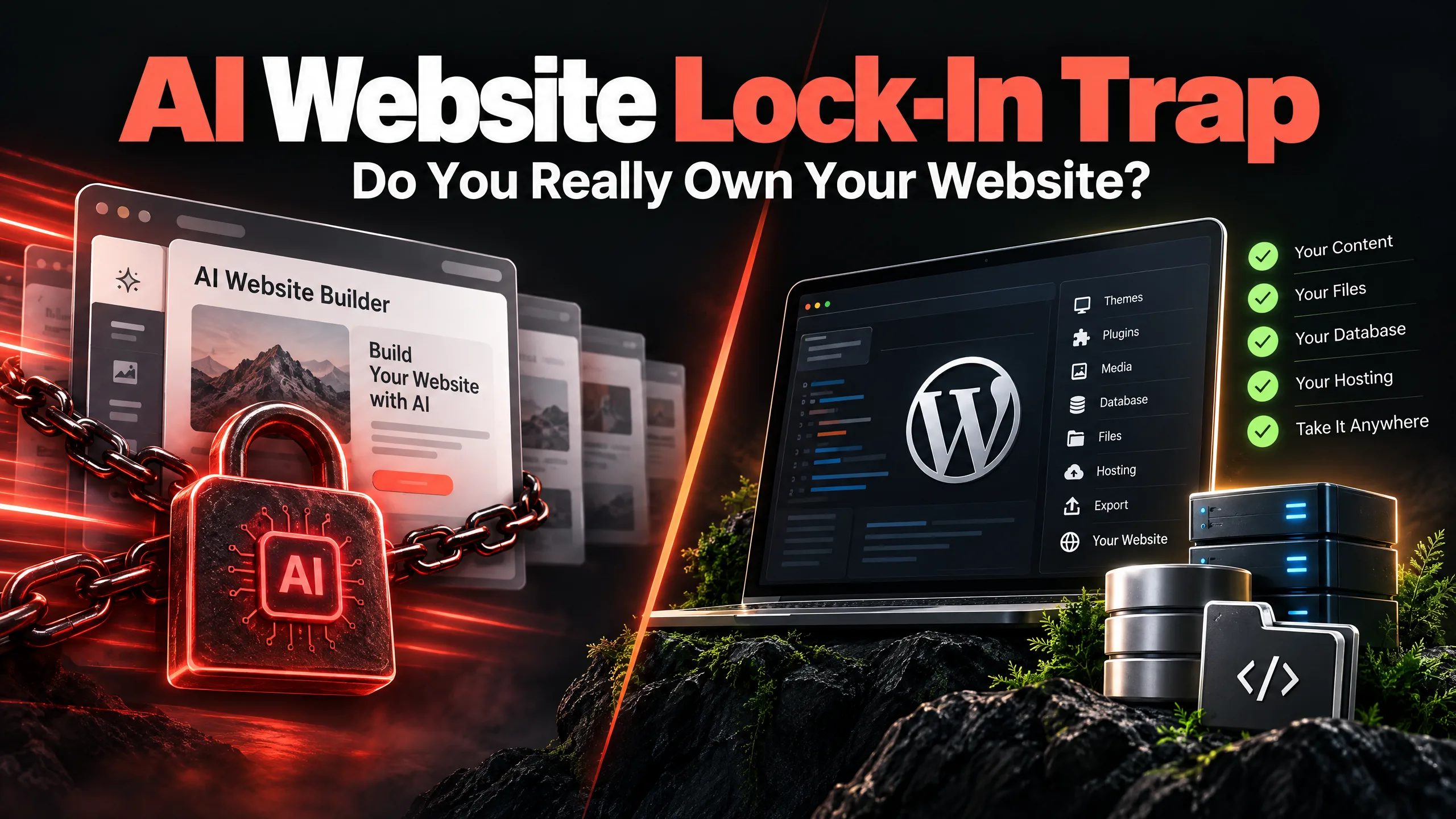
The AI website lock-in trap starts with a tempting promise: answer a few questions, choose a style, and a small business website appears in under a minute. That speed is useful. What the sales page may not explain is what you own after launch—and what stays inside the platform’s subscription system.
A website can look finished while the business still lacks portable files, a full database backup, flexible hosting, or a clear way to move elsewhere. If the monthly price changes, a useful feature moves to a higher plan, or the site needs a custom integration, the easy first step can become an awkward long-term dependency.
This is not an argument that every AI builder is bad. It is a reminder to check the exit door before you build a business asset behind it.
What website ownership actually includes
Many owners say they own their website because they registered the domain. The domain matters, but it is only one part of the picture.
Practical website code ownership should be discussed alongside access to:
- The domain registrar and DNS settings
- Hosting and server credentials
- Website files and custom code
- The database and content records
- Images, documents and other media
- Contact form entries and email delivery settings
- Analytics, Search Console and advertising accounts
- Page titles, descriptions, schema and redirects
- Backups and recovery copies
- Paid themes, plugins and software licences
If a platform lets you edit a page but does not let you take the working site with you, you have access. That is not always the same as ownership.
AI website lock-in trap: the four hidden walls
1. The export wall: content is not the same as a portable website
A hosted AI builder may let you copy your text and download your images. That can be helpful, but it is not the same as receiving a clean codebase, a database dump, server configuration, form records and a tested backup.
Wix, Framer and Squarespace each have their own export rules. Those rules can also change by product, plan and content type. Some pages may be exportable while interactive features, layout settings, forms or CMS records need to be rebuilt. Before cancelling a subscription, ask for a list of exactly what can be exported and what cannot.
This is where the phrase Wix AI vs WordPress ownership needs more care than a simple feature checklist. A convenient hosted editor may be a good place to launch a brochure site. A business that expects custom workflows, years of content or a future sale should also think about the handover.
2. The subscription wall: a low entry price can become a permanent rent
An entry plan can look inexpensive when the site has five pages and one contact button. The bill may change when the business needs more storage, marketing tools, advanced forms, analytics, bookings, translations or additional team access.
WordPress is not free in the sense of having no bills. A self-hosted site still needs hosting, domain renewal, backups, security checks, premium software and sometimes developer support. The difference is control over the infrastructure and the ability to change providers without abandoning the entire site.
Compare the five-year responsibility, not only the first monthly payment. Who pays for the hosting? Who owns the accounts? Who can change the provider? Who can restore the site if a plugin or update causes trouble?
3. The integration wall: a nice page is not a business system
A small company may start with a contact form and later need a CRM, payment gateway, booking flow, quotation calculator, inventory feed, email automation or a connection to an internal system.
AI builders can support integrations, but the exact options vary. Some rely on add-ons. Others need external automation tools. A custom workflow may work until the platform changes its API, limits requests or places the required feature behind a higher plan.
The Framer AI limitations question is therefore less about whether Framer can make a good-looking page. It is about what happens when the website has to do more than display content. A focused marketing site may be fine. A lead-routing system with unusual rules needs a proper technical check before the platform is chosen.
4. The performance wall: less server control can mean less room to tune
Closed platforms are not automatically slow, and WordPress is not automatically fast. Images, scripts, fonts, hosting, caching, plugins and page structure still decide much of the result.
The difference is how deeply you can work on those parts. A hosted builder may handle the server for you, which reduces maintenance. It may also limit access to server settings, generated markup, scripts or caching layers when a page needs deeper tuning.
Measure the actual pages people visit on mobile. Look at the homepage, service pages, forms and search landing pages. A performance promise based only on the builder’s brand is not enough.
Can you migrate Squarespace AI to WordPress?
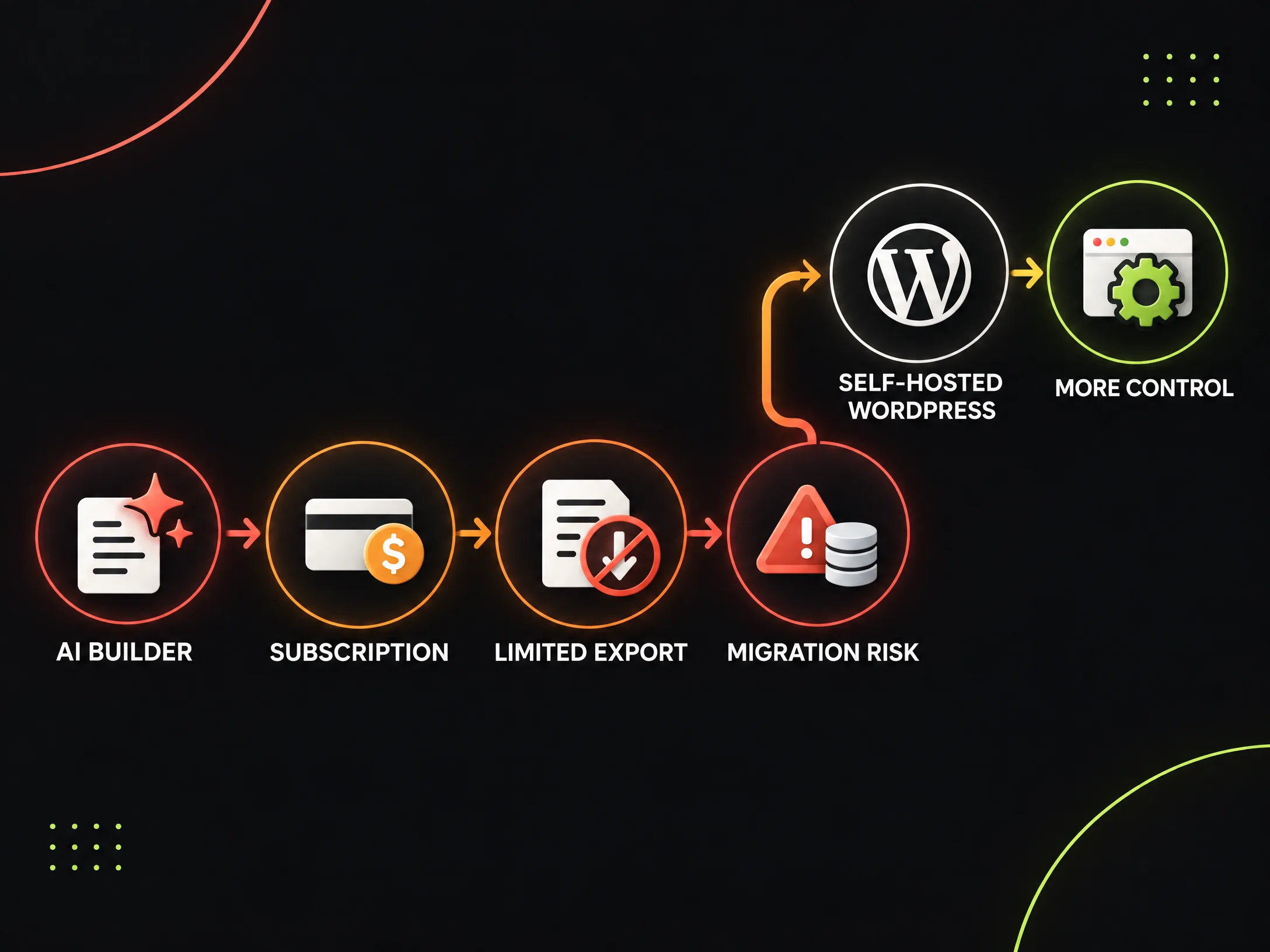
Yes, but migration usually means a planned rebuild rather than a one-click export. To migrate Squarespace AI to WordPress, a team should first separate what can be moved from what must be recreated.
The content, images and page topics may be reusable. The original layout, responsive behaviour, forms, CMS collections and platform-specific components may need to be rebuilt in WordPress. That is not necessarily a problem; it is a chance to remove weak pages and make the new site easier to manage.
A careful migration should include:
- A complete URL and content inventory
- Copies of text, images, files and metadata
- A map from every valuable old URL to its new location
- Page titles, descriptions, headings and image alt text
- 301 redirects for changed URLs
- Reconnected forms, analytics, email and tracking
- A review of internal links and XML sitemap output
- Mobile, accessibility, speed and indexability testing
- A staging review before the DNS switch
- Search Console monitoring after launch
A properly planned move can protect existing visibility, but no migration can guarantee unchanged rankings. Redirects, content quality, technical checks and a clean launch reduce avoidable losses.
Self-hosted WordPress migration: what changes after the move?
With a self-hosted WordPress migration, the business can usually choose its hosting provider, keep database access, install custom code and ask another developer to continue the work. A provider such as Hostinger may be suitable for some small-business setups, but the important point is that the hosting account and credentials should be controlled by the business—not quietly held by a contractor.
WordPress also creates responsibility. Someone must manage backups, updates, security, forms, licences and recovery. Open source does not mean unattended. It means the business is not tied to one closed page editor in the same way.
A custom WordPress developer for small business should explain the handover before development begins. Ask where the site will be hosted, who owns the accounts, how backups are stored, which licences are transferable, and what happens when the support arrangement ends.
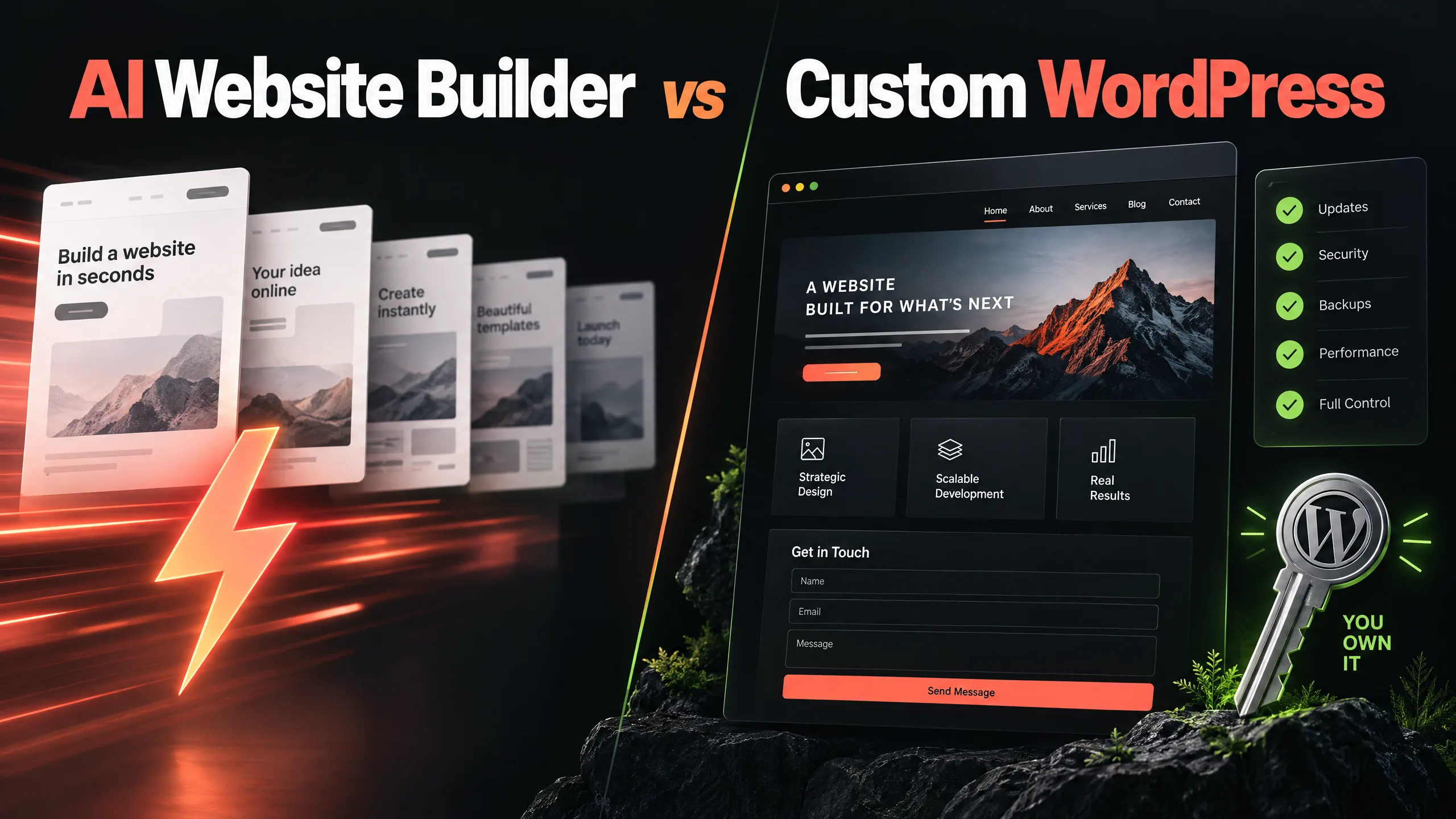
AI SaaS builders vs custom WordPress
FeatureAI SaaS BuildersCustom WordPress with Swap DesignInitial launchFast, guided setupPlanned around the business and contentCode ownershipDepends on platform rulesGreater access to site files and custom codeDatabase exportPlatform and plan dependentHosting/database access can be arrangedCustom API workDepends on available tools and limitsFlexible with suitable developmentHosting choiceUsually tied to the platformProvider can be changedPage speed controlPlatform-dependentMore technical control, with maintenance responsibilityMonthly costSubscription-basedHosting, software and support costs are separateMigrationMay require a rebuildSite can be moved between suitable hostsOngoing careCore platform handled by vendorOwner and developer define the maintenance process“100% ownership” should not be printed on a proposal as a vague promise. It should mean the domain, hosting, database, files, accounts, licences and backups are covered by clear access terms.
When moving from an AI builder makes sense
A rebuild is worth considering when the current platform is holding back a real business need, not simply because WordPress is fashionable. Warning signs include:
- You cannot obtain a usable backup of the site
- A new CRM or payment workflow needs workarounds
- Important content is difficult to export
- Forms and lead notifications are unreliable
- The site has good traffic but a weak enquiry path
- Monthly plans keep adding costs for ordinary business features
- A developer cannot work directly on the parts that need fixing
- The site has valuable URLs but no clear redirect plan
Keep the useful content. Do not carry every weak page into the new build just because it already exists.
A practical ownership-first migration plan
Start with an audit, not a new homepage. List the pages, forms, integrations, rankings, enquiries and recurring tasks. Mark what is staying, what needs rewriting and what can be removed.
Then create the WordPress site on staging. Rebuild the key templates, connect the forms, transfer the metadata, test the mobile layouts and check the redirects before changing DNS. After launch, monitor the important URLs and enquiry paths instead of assuming the work ended when the new logo appeared.
This is also where Swap Design website maintenance can help. A maintenance arrangement should name the work: updates, backups, security review, form tests, broken-link checks, performance checks and agreed content edits. “We will look after it” is not a maintenance plan until the responsibilities are written down.
A sensible next step
Trapped on an AI website builder? Swap Design can review the current platform, identify export and SEO risks, and prepare a practical migration roadmap before you cancel anything. The first step is a conversation about what the business needs to keep, rebuild and control.