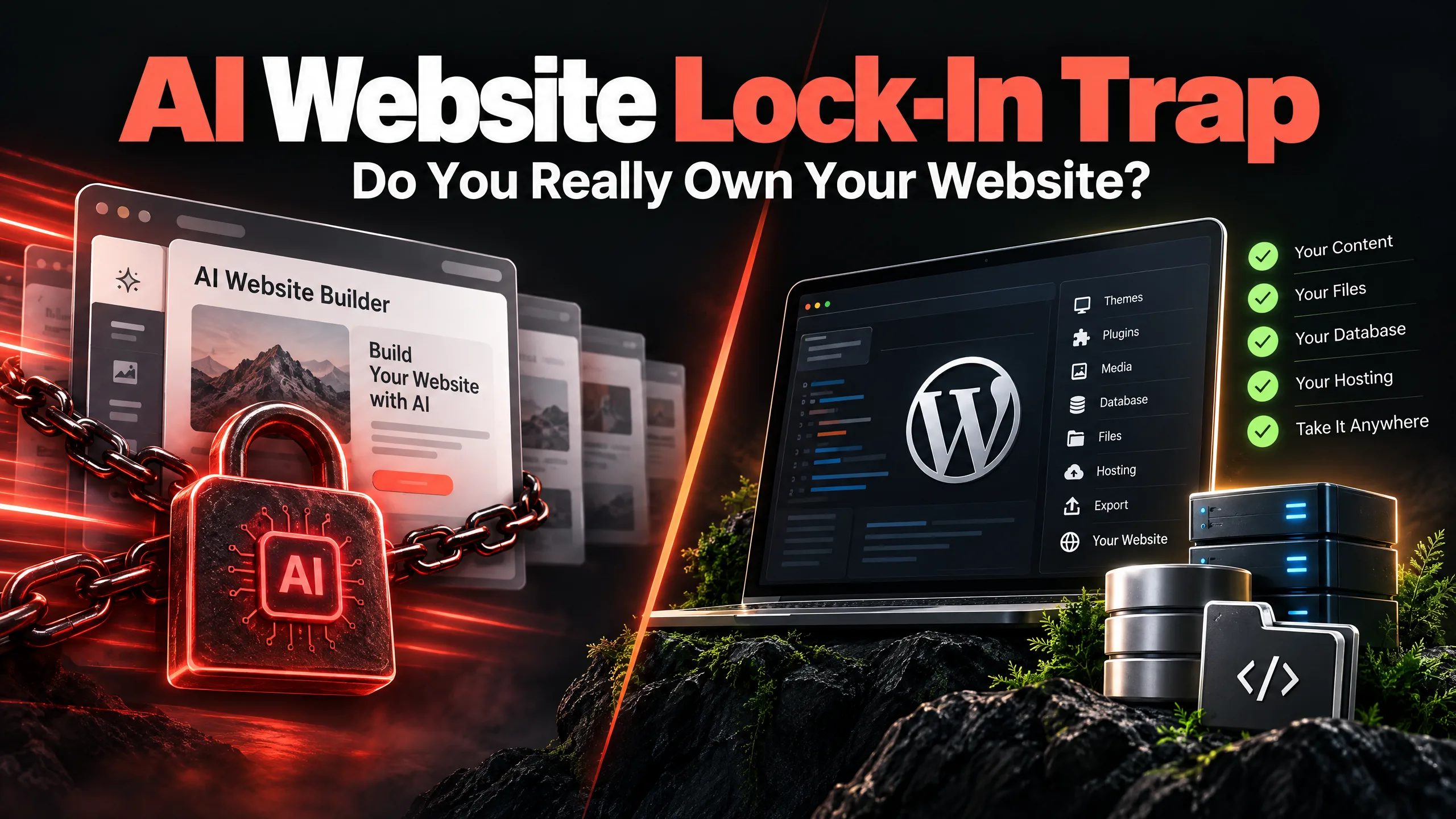
A free AI website can give a business a homepage before lunch. That sounds useful. Sometimes it is. The trouble starts when the first draft is mistaken for the finished business website.
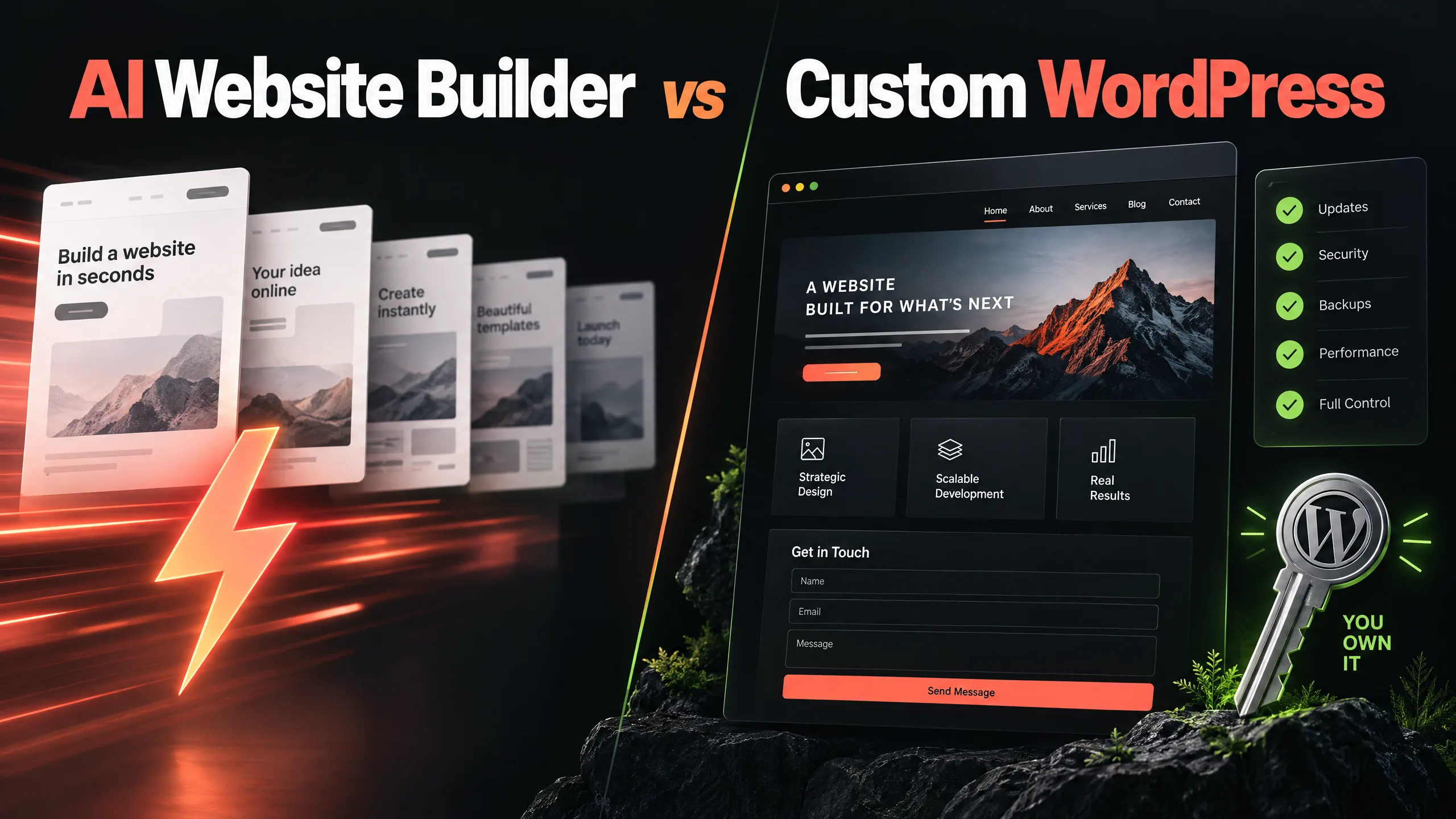
The real question in an AI website builder vs WordPress comparison is not which option can produce a page fastest. It is what happens when a real customer arrives, looks for proof, tries to ask a question, searches for the business later, or needs the site changed six months from now.
AI can help with a starting idea. A small business still needs a clear offer, sensible page structure, working forms, access to its own data, and someone willing to deal with the unglamorous parts after launch.
Why an AI-built website can feel finished too early
Most AI website tools are good at the first impression. Pick a business type, answer a few questions, choose a colour direction, and a polished page appears. The speed is hard to ignore.
But a business owner usually reviews the site as its owner. A visitor reviews it with a much narrower question:
“Can this company solve my problem, and what should I do next?”
Those are different tests.
A generated page may contain a headline, three benefits, a stock image, and a contact button. It may still fail to explain who the service suits, what makes the company credible, which project details matter, or what happens after the form is submitted.
That gap is where the money is lost—not because the page is ugly, but because it leaves too much work to the visitor.
AI website builder vs WordPress: the six questions that matter
A quick comparison based only on design output misses the decisions that affect a business after launch. Check these six areas before choosing a platform.
1. Does the design belong to the business?
AI tools learn from familiar layouts. That helps them produce something acceptable quickly. It also means two businesses can end up with the same hero section, the same rounded cards, and the same vague line about helping customers grow.
A visual identity is more than a colour picker. It includes the way the business explains its work, the proof it shows, the images it uses, the rhythm of its pages, and the small details that make the site recognisable.
A custom WordPress website for a small business should begin with those decisions. If the company sells specialist equipment, high-value services, or work that needs trust before a call, a generic template usually needs more than a new logo placed on top.
2. Can a visitor find the right next step?
A pretty homepage is not a conversion plan.
A visitor who is ready to enquire may need a quote form. Someone earlier in the decision may need examples, pricing guidance, a service comparison, or an answer to a technical question. A good site makes those routes visible without covering every section with the same “Get Started” button.
Look at the full path. Does a service page lead to relevant proof? Does a case study explain what was done? Does the form retain the service or product context? Is the confirmation message honest about the reply time?
AI can suggest a layout. It will not know which question a doubtful customer asks just before leaving unless the business supplies that knowledge and someone shapes it into the page.
3. Is the content based on real customer language?
Generated copy often sounds smooth until you ask what it actually says. “Tailored solutions,” “smooth experiences,” and “innovative results” can fill a page without telling a buyer anything useful.
Read the homepage aloud. Mark every sentence that could belong to a competitor. Then replace the soft claims with specifics: the type of project, the common problem, the service boundary, the information needed to start, or the result the business can honestly describe.
For search, this matters too. A page that repeats broad marketing phrases gives Google and AI answer systems very little to work with. A page that explains a real service, names the situations it fits, answers direct questions, and links to supporting evidence is easier to understand.
4. Can you control the SEO and AI-search foundations?
An AI builder may provide a page title and a meta description. That is not the whole job.
Check whether the site gives you control over headings, canonical URLs, redirects, image alt text, internal links, XML sitemap output, structured data, robots rules, and indexability. Check whether the visible content matches the information exposed to search engines.
For AEO and GEO, write answer-ready sections that stand on their own. Define the service in plain language. Use specific questions as headings where they help. Connect the business entity, services, locations, proof, and contact details consistently across the site. Do not assume adding the words “AI search” to a page creates authority.
A custom WordPress build can support this work, but WordPress itself does not guarantee it. The structure and the people maintaining it still matter.
5. Who owns the website if the subscription changes?
Read the export and cancellation terms before building a site that the business will rely on.
Can you download the content? Can you move the domain? Can you access the database, media files, forms, analytics, and redirects? Can another developer continue the work? If the platform closes a feature or increases the monthly price, what exactly remains yours?
This is not an argument against every hosted builder. A hosted product can be the right choice for a simple site. It is a reason to ask an uncomfortable question before the website contains years of content and valuable search URLs.
With WordPress, website ownership still needs to be written down. Hosting, domain registration, admin access, premium plugins, backups, and custom code should not be left in a grey area.
6. What happens after the launch screenshot?
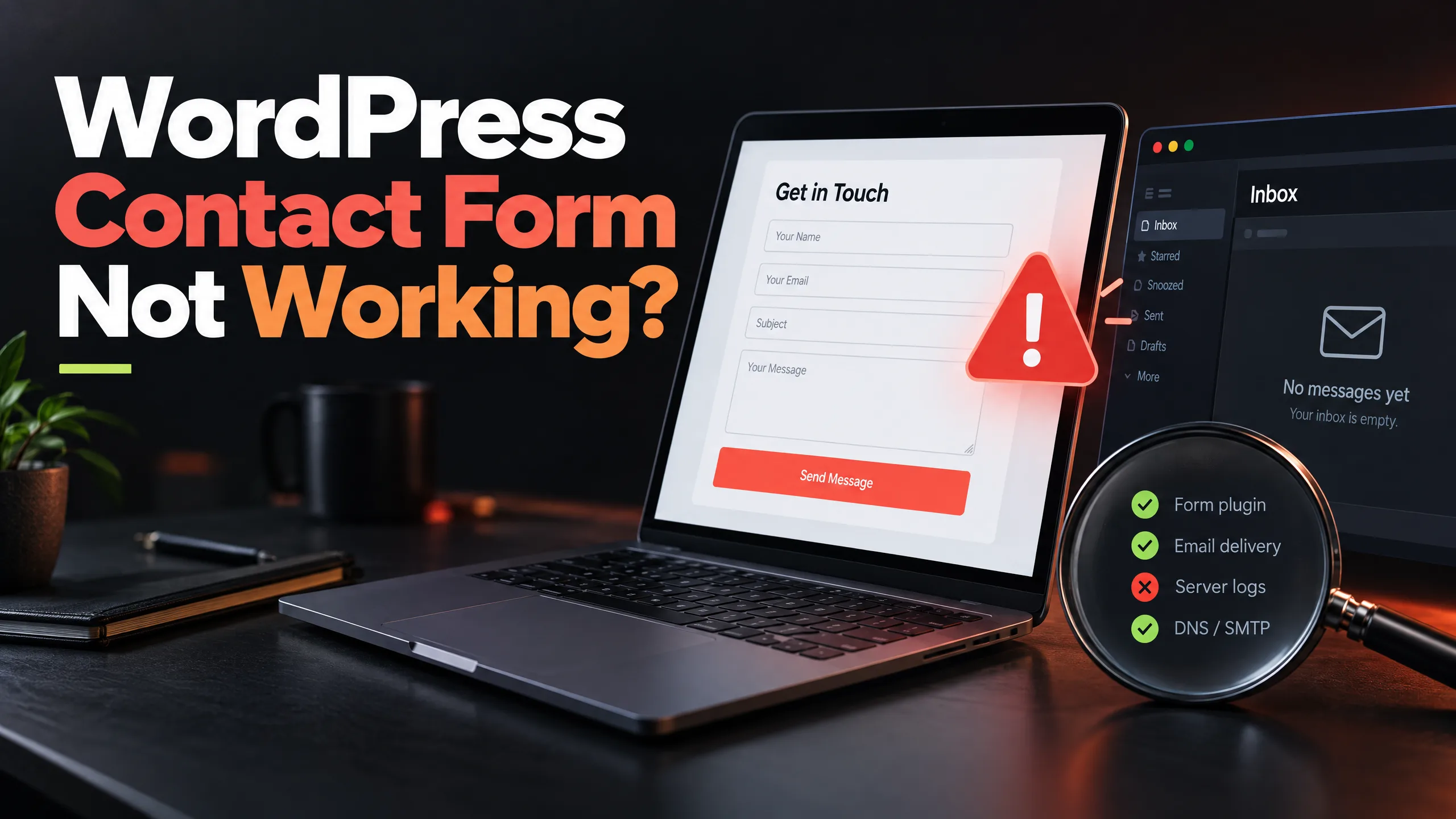
Websites do not stay still. WordPress core changes. Plugins update. Email providers alter authentication rules. Forms stop sending. A staff member edits a page and breaks a layout. A new service needs a landing page.
An AI builder may keep the platform updated, but that does not automatically mean the business goals, forms, content, or integrations are being checked. A WordPress site may offer more control, but that control creates a maintenance responsibility.
A sensible WordPress website maintenance plan should cover the actual site: backups, update review, security checks, contact forms, important links, performance, and agreed content changes. It should also say what is outside the monthly scope.
The speed problem is usually a page problem
It is tempting to say that every AI-built website is slow or every custom WordPress site is fast. Neither claim is reliable.
Speed depends on the page, hosting, images, scripts, fonts, plugins, caching, and what the browser is asked to load before the visitor can act. A simple AI-generated page may be quick. A custom WordPress site with a heavy page builder may be slow. Measure the pages people actually use instead of arguing from the platform name.
Start with the mobile version. Test the homepage, a service page, the contact form, and a page reached from search. Look for oversized images, unnecessary scripts, layout shifts, and a first screen that takes too long to become useful.
When converting an AI website to WordPress makes sense
A switch makes sense when the current site has a problem that a new template will not solve. Common signs include:
- The business cannot explain its offer in one clear page.
- Enquiries arrive without useful project details.
- The site has no reliable form or email testing routine.
- Important content is trapped inside a platform with limited export options.
- New integrations need access the builder does not provide.
- The owner cannot make routine changes without paying for help.
- Search traffic lands on pages that do not answer the visitor’s question.
- The site looks acceptable but does not reflect the quality of the work.
The rebuild does not have to start with a blank screen. Keep the useful content, inspect the search data, collect the questions customers ask, map important URLs, and decide what should be rewritten, merged, redirected, or removed.
That is the sensible AI website redesign route: keep the useful draft, then rebuild the parts that carry business risk.
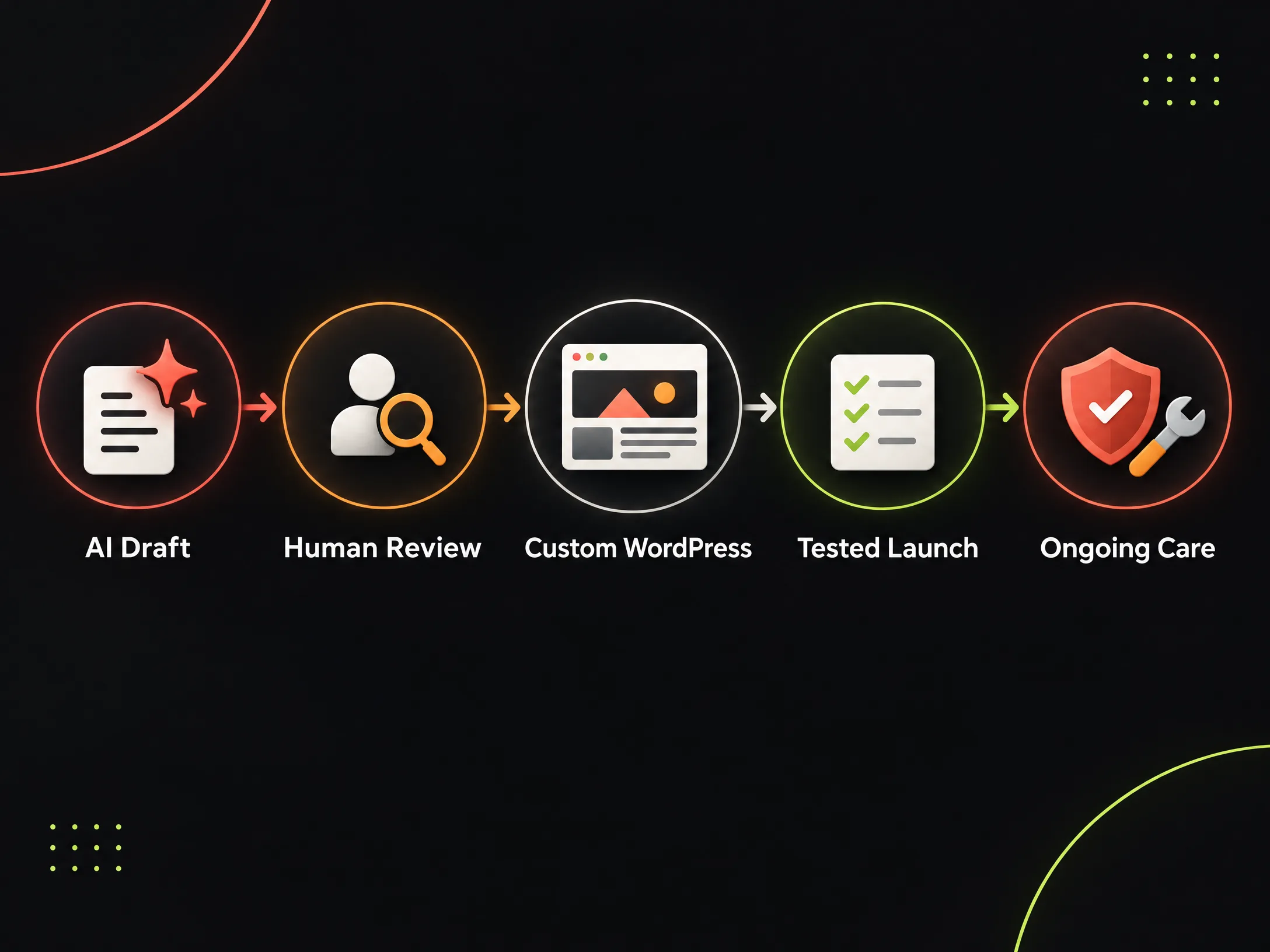
A practical AI-to-WordPress workflow
Use AI for rough page ideas, alternate headlines, content questions, and a first pass at organising notes. Then put a human review in the middle of the process.
- Write down the service, buyer, problem, proof, and next step.
- Audit the AI-built site page by page.
- Mark generic claims and unsupported promises.
- Map the navigation around customer questions.
- Preserve valuable URLs and plan redirects.
- Build the key templates in WordPress.
- Connect forms, analytics, email, and required integrations.
- Test mobile behaviour, accessibility basics, speed, and enquiry delivery.
- Hand over access, content process, and backup expectations.
- Schedule routine checks after launch.
The tool can help produce a draft. Someone still has to decide whether the draft is true, useful, ownable, and safe to run.
For ongoing support, see the WordPress maintenance service for small businesses or explore the WordPress developer service.
If your AI-built website looks fine but customers still need too much explanation before they enquire, do not start by changing the colours. Start with the page that should make the decision easier.